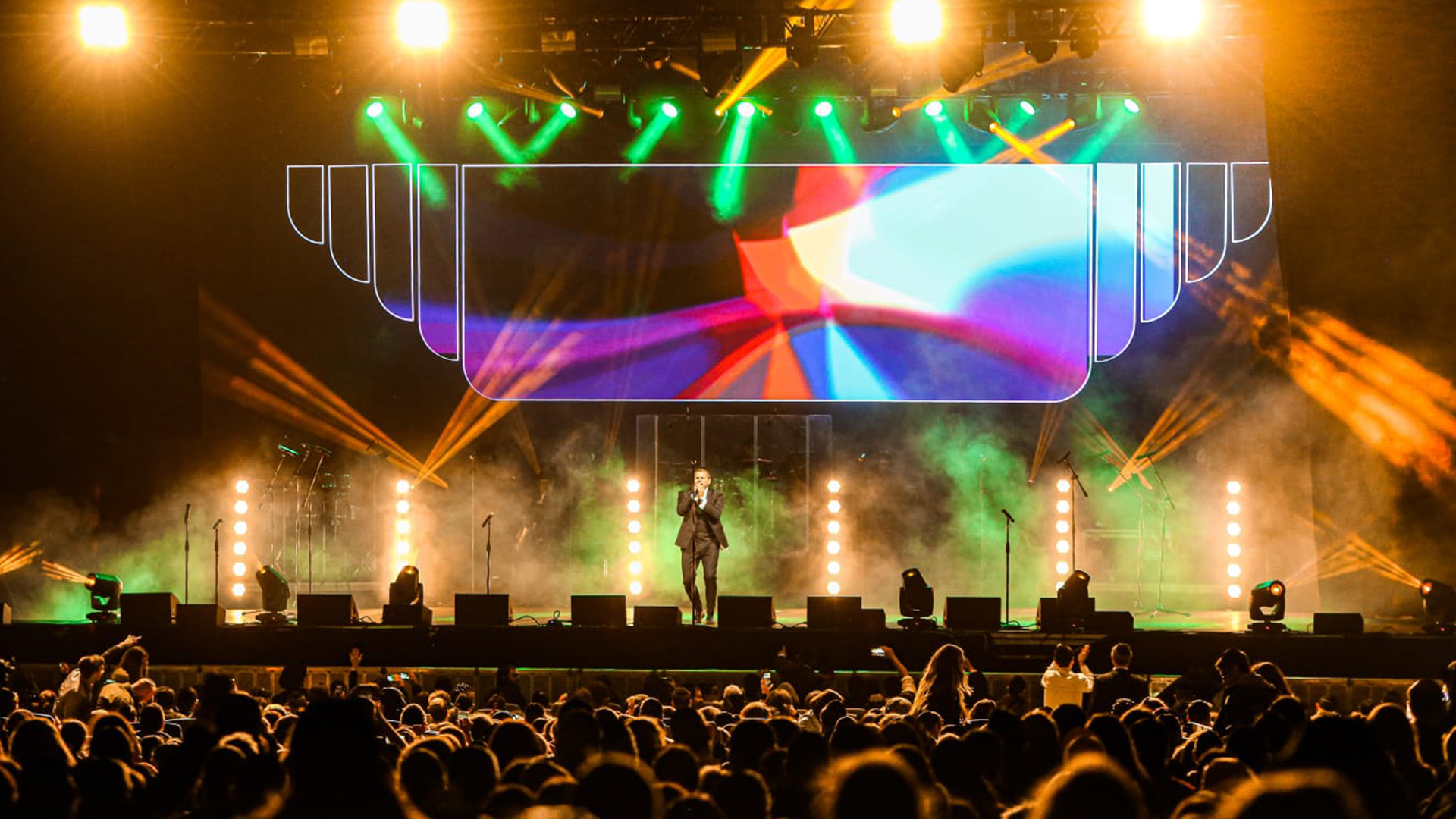
The media server sits at the epicenter of modern live event visual production. It is the source of LED wall content, projection mapping output, camera compositing, real-time effects, and increasingly, the integration point between lighting and video systems. When a media server fails mid-show — through hardware fault, software crash, corrupted file, or the unpredictable cascade of a system update deployed at the wrong time — the visual consequences are immediate and total. Blank screens, frozen frames, or strobing error signals in front of a live audience cannot be explained away. They are the visual equivalent of silence in an audio system: unmistakable, urgent, and career-defining if not resolved. Redundant playback architecture is not a luxury reserved for broadcast television — it is a professional standard for any media server deployment where downtime is unacceptable.
Active-Passive vs. Active-Active Redundancy
Media server redundancy operates on two fundamental models. Active-passive redundancy pairs a primary server running all output with a secondary server on hot standby — synchronized in real time, ready to assume output if the primary fails, but not actively producing video during normal operation. Failover is triggered automatically by a hardware monitor or manually by the operator, switching output to the backup server in seconds. Active-active redundancy runs both servers simultaneously, producing identical output that is merged through a seamless switcher — if either server fails, the switch automatically holds the surviving server’s output with zero visible interruption. Active-active provides higher protection at higher cost and complexity; active-passive is the more common choice for live events where a 2–3 second failover is acceptable.
Platform-Specific Redundancy Solutions
The major media server platforms each handle redundancy differently. disguise (d3) supports project synchronization between multiple servers via the d3 Redundancy Manager, allowing a backup server to maintain a synchronized project state and assume output on failure. Green Hippo Hippotizer uses ZooKeeper synchronization across multiple Hippotizer units in a networked configuration, providing automatic failover. Resolume Arena doesn’t have native active-active redundancy, making it more dependent on external switching hardware for fault protection. Notch — a real-time effects engine rather than a standalone server platform — typically runs inside another host system’s environment and inherits that system’s redundancy architecture. Understanding the native redundancy capability of each platform is essential before designing a reliable system architecture.
Output Switching Hardware
The failover switch — the hardware that connects primary and backup server outputs and routes them to the downstream display infrastructure — is a critical component that is frequently under-specified. A seamless video switcher like the tvONE CORIOmaster, Barco E2, or Christie Spyder X80 can perform clean transitions between video sources with zero visible frames of disruption. For LED wall applications, the processor manufacturer’s own switching capability — such as Brompton’s internal redundancy input selection — is often more elegant than adding an external switcher in the signal path. The critical requirement is that the failover switch must be outside the failure domain of both servers — powered independently, on separate physical infrastructure, and not sharing any component that could fail along with the primary server.
File and Project Synchronization
A redundant server architecture is worthless if the backup server is running an older version of the project file than the primary. Real-time project synchronization — where every programming change made on the primary server is immediately reflected on the backup — is the operational requirement, not periodic manual file copying. Disguise’s server synchronization automates this process; for platforms without native sync, network file synchronization tools like rsync can be configured to mirror show folders between servers continuously. Media files — the actual video content — must also be stored identically on both servers, including file paths, as the server software references content by path and a mismatched directory structure will cause the backup to fail on content access even if it successfully takes over output.
Testing the Redundancy Before the Show
A redundancy system that has never been tested under show conditions is an untested assumption. The pre-show failover test protocol should include: deliberately crashing or powering down the primary server during playback while verifying that the backup assumes output within the acceptable failover window; verifying that the failover switch correctly routes all output channels — not just the first output — to the backup; and confirming that the show timeline, cue list, and media content on the backup are synchronized to within one playback cycle of the primary. This test should be performed with the full signal chain in operation — LED processors powered, screens active — to verify that the downstream infrastructure handles the switch event correctly and doesn’t require manual intervention to recover after failover.
