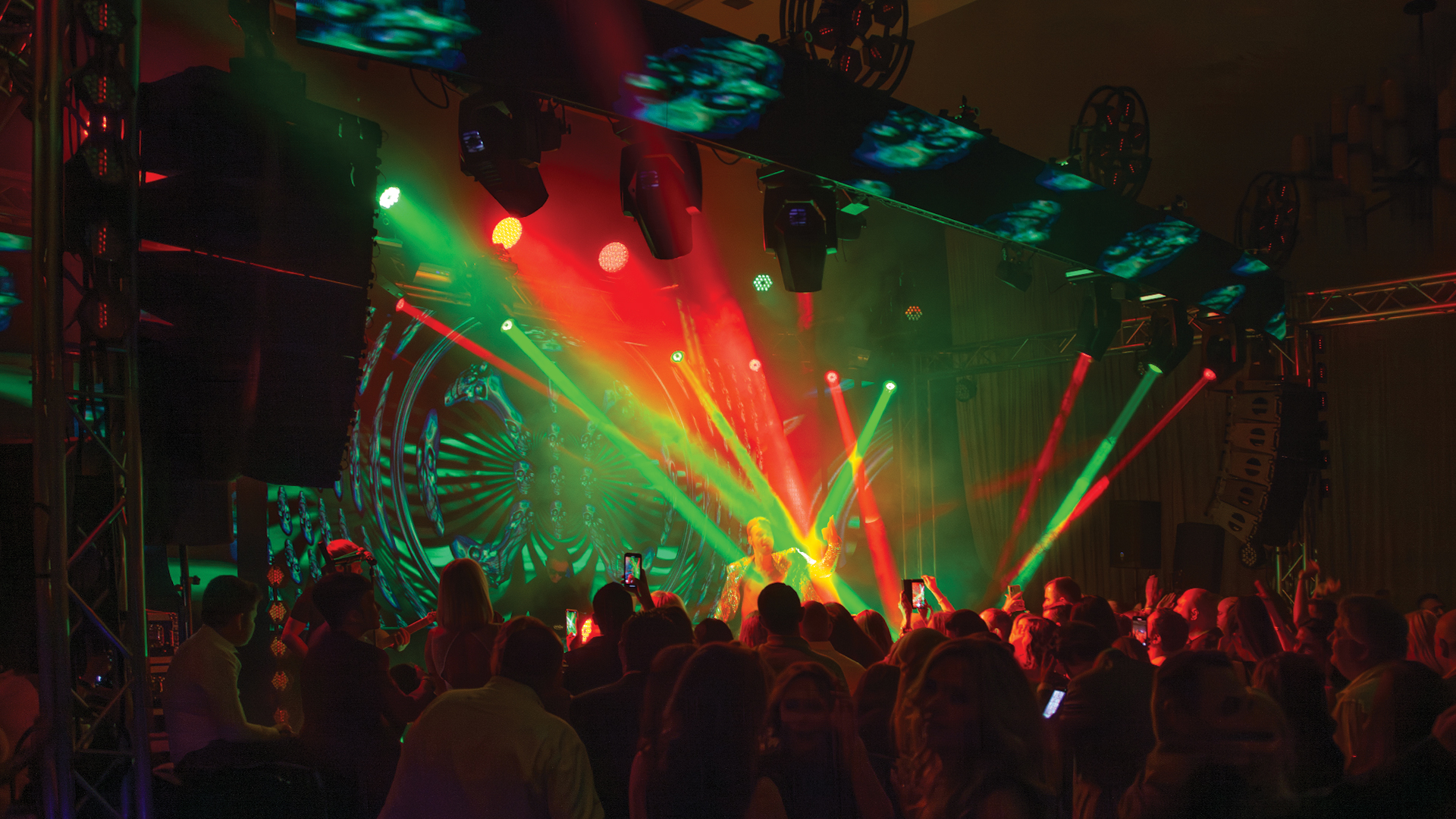
The hardest moment in a creative pitch is the moment a client tries to imagine something that doesn’t exist yet. You’re describing a kinetic LED sculpture suspended above the stage, a lighting cue that transforms the room from clinical white to saturated amber in three seconds, a video content system that reacts in real time to the presenter’s position on stage — and you’re watching the client’s eyes as they try to translate your words into a mental image. Most of the time, they can’t. That failure of imagination is where deals are lost, budgets are cut, and ambitious creative concepts get watered down into safe, forgettable productions.
Pre-visualization — previz — exists to close that gap. It is the art and discipline of building a digital model of a production before any physical equipment exists, and using that model to communicate creative intent with a precision that no verbal description or static rendering can match.
The Tools That Make Previz Possible
The previz landscape has evolved rapidly, driven by both the live event production industry and the virtual production world that emerged from film and television. On the lighting design side, WYSIWYG by Cast Software has been the industry standard for decades, offering a comprehensive 3D lighting simulation environment that calculates photometric data, visualizes beam angles, and exports technical documentation. Vectorworks Spotlight with its Vision previz integration offers a similar workflow that has gained significant adoption in theatrical and large-scale event design.
For video-heavy productions, Disguise (formerly d3)’s Designer software allows media server operators and video directors to build complete pixel-mapped environments including LED walls, projection surfaces, and scenic elements — and then populate them with actual show content or placeholder media. The client sees the LED wall lit with their brand’s color language, displaying actual content they’ve approved, on a virtual stage that matches their venue’s geometry. This is not a rendering — it’s a simulation that can be played back interactively, with the client in the room, calling out changes in real time.
Building the Previz Environment
Effective previz begins with accurate spatial data. A venue’s CAD drawings — floorplans, section cuts, rigging point locations — are the foundation of any credible previz model. Without accurate spatial data, previz becomes an exercise in approximation that can actually create false expectations rather than accurate ones. Productions that previz in accurate environments, using surveyed venue CAD files or LiDAR scan data from tools like the Leica BLK360 or Matterport Pro3, deliver a model that clients can trust as a genuine preview of their show.
Fixture placement in the previz model should reflect the actual rigging budget and structural constraints of the venue — not an idealized version that requires five additional motor positions that weren’t in the quote. Clients presented with a previz that doesn’t survive contact with reality will lose trust in the production team’s technical judgment, even if the creative vision was brilliant. Previz that accurately represents the production as-budgeted is a sales tool. Previz that over-promises is a liability.
Using Previz in the Sales Conversation
The most effective use of previz in a client presentation is interactive walkthrough, not passive playback. A WYSIWYG visualization or a Disguise Designer session running on a laptop in a meeting room allows the creative director to say: ‘What if we changed the color palette for the gala dinner portion?’ and show the answer in thirty seconds. That responsiveness — the ability to modify the design in real time in response to client feedback — communicates creative mastery and technical agility simultaneously.
Productions that have adopted real-time rendering engines like Unreal Engine — increasingly used in virtual production previz — can create photorealistic walkthrough experiences that are genuinely indistinguishable from rendered film in some scenarios. The nDisplay plugin for Unreal Engine, combined with LED volume previsualization, allows clients to experience a stage environment with a level of fidelity that was simply impossible five years ago. As the toolchain matures and the barrier to entry falls, previz at this level of quality will become table stakes for competitive pitches on major productions.
Content Placeholder Strategy
One of the most practical previz disciplines is the strategic use of content placeholders. A show that is being prevized before final content is delivered — which is almost always — needs placeholder media that accurately represents the color temperature, motion speed, and graphic density of the final content. A previz that shows a blank LED wall teaches the client nothing. A previz that shows a brand-accurate color palette with representative motion graphics gives the client enough context to evaluate whether the visual system is serving the creative intent.
Working with the content studio — whether that’s an in-house team or an external partner like Moment Factory, Treatment Studio, or Territory Studio — to provide animatics or styleframes early enough to integrate into the previz is a discipline that requires project management as much as technical skill. The productions that do this well deliver previz that is genuinely a preview of the show, not a placeholder for a show that doesn’t exist yet.
Previz as a Production Tool Beyond the Pitch
The value of previz doesn’t end when the contract is signed. A well-built previz model becomes the foundation for programming sessions long before the equipment is on site — lighting programmers can pre-build cue stacks in MA3 or Eos against the previz model, testing timing and transitions before first rehearsal. Video directors can build event playlists and routing maps in the Disguise environment. The show that arrives on site with a week of virtual programming time already invested is a fundamentally different show from the one that starts programming on the day of load-in.
The investment in previz pays dividends at every stage of production: it closes sales, manages client expectations, accelerates programming, and reduces show-day surprises. The productions that treat previz as a luxury are the ones discovering problems for the first time in front of a live audience. The productions that treat it as infrastructure are the ones that look effortless.
