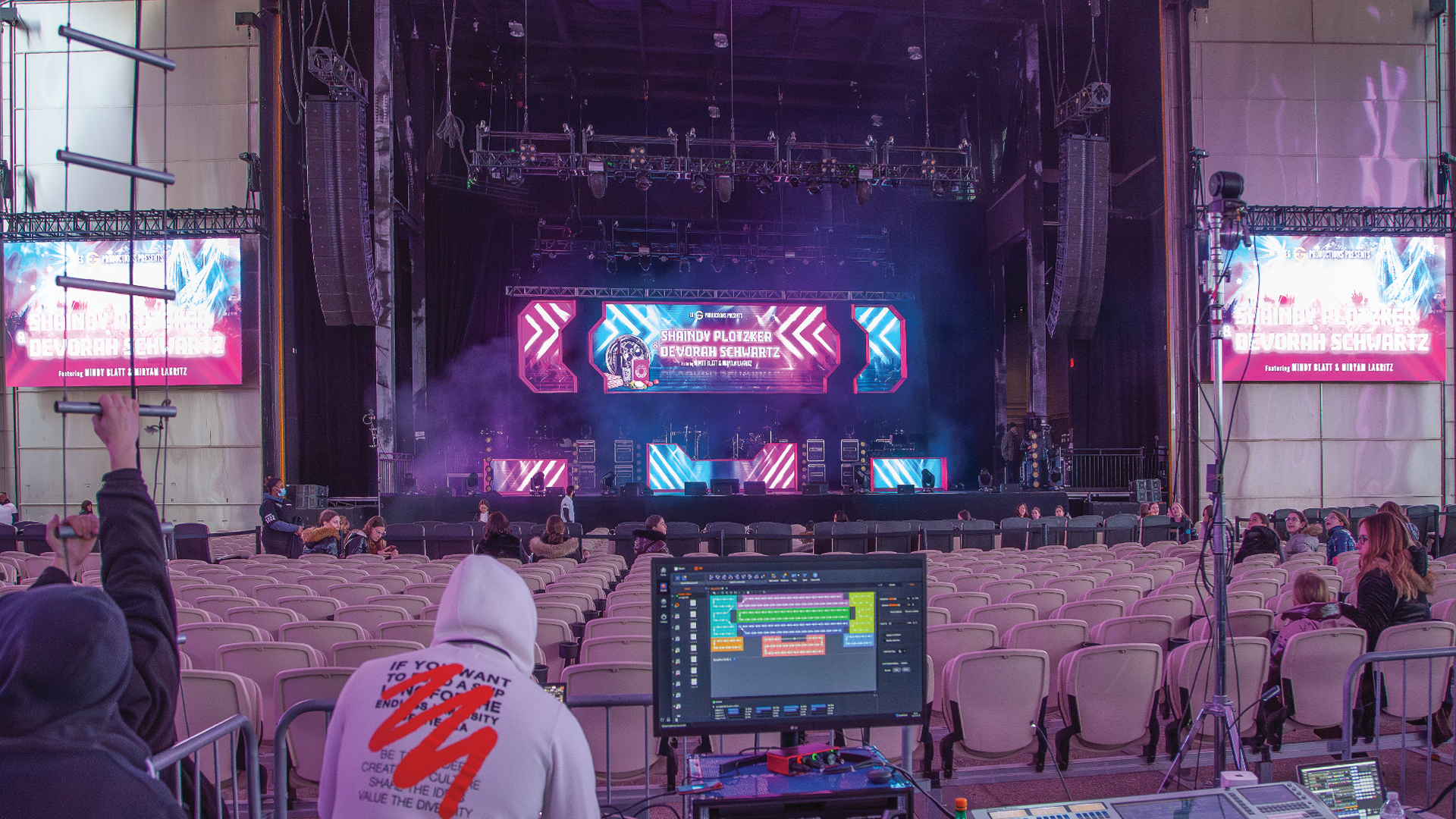
There is no more public failure in large-scale event production than an LED wall going dark or fragmenting into visual noise in front of a live audience. The LED processor — the hardware engine that converts incoming video signals into the precise pixel timing data that drives an LED surface — sits at the center of that risk. When it fails, or appears to fail, the pressure to diagnose and resolve the issue in real time is immense. The technicians who do this well are not the ones who know more — they are the ones who have a diagnostic methodology and execute it without panic.
Understanding the LED Processing Chain
Before you can troubleshoot fast, you need a precise mental model of the signal chain. A typical large-format LED video wall system flows: source output → video switcher → scaler or processor input → LED processor (units like the Novastar VX1000, Brompton Tessera SX40, or Colorlight CL960) → data cabling to receiver cards in each LED cabinet → LED modules. A failure can live at any point in this chain, and the diagnostic error most technicians make is jumping to the most complex possibility before eliminating the simplest.
The Brompton Tessera processing ecosystem — widely regarded as the premium tier of LED processing — provides detailed diagnostic telemetry via its proprietary Tessera Software Suite, including per-cabinet status, temperature monitoring, and signal path diagnostics. Novastar’s NovaLCT software provides similar capability for its processor range. Knowing how to read these diagnostic interfaces under pressure — ideally having done so in a non-emergency environment during system commissioning — is what separates a 90-second fix from a 20-minute crisis.
The Fast Diagnostic Protocol
When an LED wall drops or shows artifacts, the fastest path to resolution follows a strict sequence. Step one: verify the source signal. Plug a confidence monitor directly into the output feeding the processor. If the signal is clean there, the source is not the problem. Step two: verify the input at the processor. Most processors display input signal status on their front panel or in their software interface — a red input indicator tells you immediately that the problem is upstream of the processor. Step three: check the output connections from processor to first cabinet. This is where data cable failures — bent pins, pulled connectors, or damaged fiber — most commonly manifest.
If the processor is receiving clean input and showing healthy output but specific cabinets are dark or fragmenting, the problem is downstream. Receiver card failures are the most common hardware failure mode in LED systems. Professional productions carry spare receiver cards in quantities proportional to the system size — typically 5-10% of total receiver card count. Swapping a suspect card takes less than two minutes with practice. The LED module itself is the next suspect — and module failures are almost always localized to specific pixels or rows, not entire cabinet sections.
Input Format Mismatches and EDID Issues
A significant percentage of apparent LED processor failures are actually EDID (Extended Display Identification Data) and input format mismatch issues. When a media server or graphics computer cannot negotiate a valid output format with the LED processor’s input, it defaults to an incompatible resolution or refresh rate, resulting in a blank or flickering display. Tools like the Decimator MD-HX with EDID management, or the Gefen EDID Doctor, allow technicians to lock specific EDID profiles and prevent negotiation failures.
Productions using Disguise (formerly d3) media servers with Brompton processors have access to a direct integration layer that streamlines EDID management and allows processor configuration changes directly from the Disguise UI. Similarly, Green Hippo Hippotizer servers with Kling-Net or MSEX connectivity simplify the configuration dialog. These integrations eliminate entire categories of input format issues — but they require pre-show commissioning time to set up properly.
Thermal Management: The Silent Killer
LED processor failures that occur after the wall has been running for several hours — not at startup — are frequently thermal issues. Processors generate significant heat and require adequate airflow. A Brompton Tessera SX40 running at full load in an equipment rack with inadequate rear clearance will throttle performance or shut down to protect itself. The discipline of rack airflow management — ensuring cooling air enters from the front, exits from the rear, and is not recirculated — is foundational to processor reliability on long-running shows.
Monitoring processor temperatures via the manufacturer’s software suite before they reach critical thresholds gives you intervention time. Novastar’s NovaLCT displays processor temperature. Brompton’s Tessera Software includes temperature alerts. Building these monitoring windows into your show monitoring station — a dedicated screen visible to the LED technician throughout the show — is a professional practice that prevents thermal failures from becoming emergencies.
Building a Troubleshooting-Ready System
The best LED troubleshooting is the kind you don’t have to do during a show because you’ve eliminated failure modes in advance. Pre-show commissioning checklists that verify every data link, every receiver card, every input signal, and every processor firmware version — run the day before doors open — catch the vast majority of show-day failures before they occur. Keeping a cold spare processor in the rack, pre-configured and pre-patched, reduces the recovery time from a catastrophic processor failure to the time it takes to switch HDMI cables and power cycle — under five minutes in a well-prepared system. That level of preparation is not excessive. It’s what the show demands.
