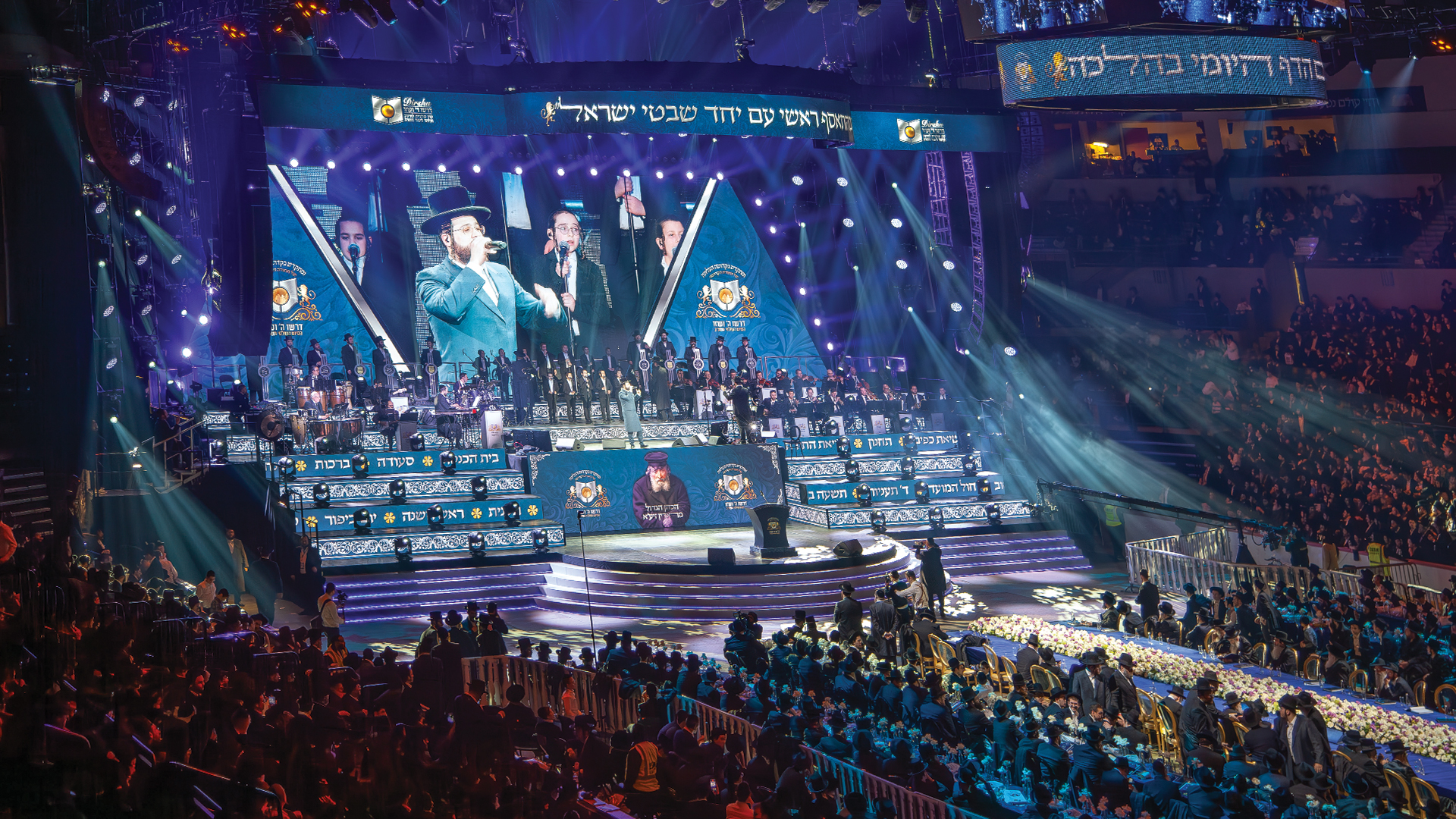
Every event faces AV challenges that threaten to derail productions. From ground hum in audio systems to incompatible video signals, technical problems demand quick solutions under time pressure. Knowing the most common issues and their fixes enables faster troubleshooting when problems inevitably arise.
Ground Loops and Audio Hum
The distinctive 60 Hz hum of ground loops plagues countless events. This noise occurs when equipment connected to different electrical circuits creates multiple paths to ground, allowing small voltage differences to induce current flow through audio cables. The result is audible buzz that increases when more equipment is connected.
Solutions start with powering all audio equipment from the same electrical circuit when possible. When equipment must use different circuits, ground lift switches on direct boxes break the multiple ground paths. In persistent cases, isolation transformers on affected signal lines eliminate the problem entirely. Never defeat safety grounds on power cables as a troubleshooting step, as this creates electrocution hazards.
Feedback and Howling
Audio feedback occurs when amplified sound from speakers re-enters microphones, creating a loop that builds to howling tones. This common problem stems from microphones positioned too close to speakers, excessive monitor levels, or room acoustics that focus sound back toward input sources.
Address feedback through microphone placement first. Move microphones away from speakers and point them away from monitor wedges. Reduce monitor levels to the minimum performers actually need. Use directional microphones that reject sound from the sides and rear. When feedback persists, parametric equalizers can notch out specific problem frequencies without affecting overall sound quality.
Video Resolution and Scaling Problems
Modern events connect laptops, cameras, playback systems, and other sources with varying native resolutions to displays that expect specific input formats. Mismatched resolutions cause black borders, stretched images, or complete signal loss. Presenter laptops configured for external displays at home may output incompatible formats in venue environments.
Professional scalers convert any input resolution to match display requirements. Always have scalers in the signal path rather than relying on source devices to output correct formats. Request that presenters bring their equipment for testing before events when possible. Maintain backup laptops configured with known-working display settings for emergency presenter system replacement.
HDCP and Content Protection Issues
High-bandwidth Digital Content Protection prevents unauthorized copying of copyrighted content but also interferes with legitimate production workflows. HDCP handshake failures cause black screens when connecting laptops to switchers, projectors to scalers, or any other combination where content protection cannot verify the complete signal chain.
Ensure all equipment in video signal paths supports the same HDCP version. HDCP 2.2 devices may fail to communicate with HDCP 1.4 equipment. When showing content that doesn’t require protection, source settings may allow disabling HDCP output. For protected content, the entire signal path must support matching HDCP versions with proper authentication at each connection point.
Wireless Microphone Dropouts
Wireless microphones can suffer dropouts when transmitters move into RF dead zones, when interference from other devices overwhelms signals, or when battery voltage drops below operational thresholds. These dropouts typically occur at the worst possible moments during critical presentation portions.
Conduct RF site surveys before events to identify dead zones and interference sources. Use antenna distribution systems that extend coverage and provide multiple reception points. Change batteries before each event day, tracking exact usage times rather than assuming batteries are good. Monitor wireless receiver displays throughout events for signal strength warnings that predict imminent dropouts.
Network Congestion and Streaming Failures
AV-over-IP systems share network infrastructure with other traffic, creating potential conflicts when networks become congested. Video streams may buffer or drop entirely when corporate networks handle simultaneous large data transfers. Live streaming to external platforms requires consistent upload bandwidth that may not be available on shared connections.
Dedicate separate network infrastructure for critical AV traffic whenever possible. Use VLANs to isolate AV systems from general network traffic even when sharing physical infrastructure. For live streaming, conduct bandwidth tests at the exact times events will occur to measure actual available capacity. Have cellular backup streaming options ready when venue networks prove unreliable.
Power Distribution Problems
Insufficient power causes system failures ranging from equipment refusing to start to breakers tripping at peak demands during shows. Voltage drops over long cable runs reduce power available at equipment, causing amplifiers to limit output and digital equipment to malfunction. Venue power systems designed for ordinary loads may be inadequate for production requirements.
Calculate total power requirements accurately, including peak demands when all equipment operates at maximum simultaneously. Request electrical specifications from venues before committing to power plans. Bring generators for events where venue power is uncertain. Use appropriately sized power distribution equipment rated for the loads it will serve, and inspect all power connections for heat buildup during events.
Cable Failures and Intermittent Connections
Cables fail more often than the equipment they connect. Intermittent connections cause symptoms that disappear during troubleshooting, only to return during critical moments. The flexing and strain of load-in, shows, and load-out damages cables progressively until failure occurs.
Test cables systematically before every event, not just when problems occur. Replace any cable showing intermittent behavior rather than attempting repairs under time pressure. Use strain relief at all connection points and avoid routing cables where they will be stepped on, rolled over, or pulled at angles that stress connectors. Label cables by testing date to identify aging inventory that needs replacement.
Projection Environment Challenges
Projectors face challenges from ambient light washing out images, screen surfaces that create hot spots, and throw distances that don’t match lens capabilities. Rooms with windows, colored walls, and inappropriate screen materials can make projected content virtually invisible regardless of projector brightness.
Control ambient light aggressively when projection quality matters. Black draping covers windows and light-colored surfaces. Position projectors at appropriate distances for their lens specifications. Use high-gain screens only when viewer positions are constrained, as these create hot spots visible to off-angle viewers. Consider LED walls for environments where ambient light cannot be controlled.
Timing and Synchronization Issues
Video processing introduces delay that causes lip-sync problems when audio arrives before the matching video. Multiple display systems processing content through different paths display images at different times, creating visible timing discrepancies across a single venue. Complex signal routing can accumulate delays that become clearly visible.
Match audio delay to video system latency using adjustable delay lines in audio signal paths. Measure actual video latency using test patterns rather than assuming specification values are accurate. When multiple displays must show synchronized content, route through a single processor with identical output timing rather than processing independently for each display.
Communication Breakdowns
Many AV problems stem from communication failures rather than technical issues. Presenters arrive with equipment nobody expected. Room layouts change without notice to technical teams. Requirements evolve during events without corresponding adjustments to technical plans.
Establish clear communication channels between event stakeholders and technical teams. Require advance technical riders that specify equipment needs. Conduct site visits that include all decision-makers. Create checklists that verify requirements haven’t changed between planning and execution. Build relationships with venue staff who can provide early warning of changes affecting technical setups.
Building Troubleshooting Expertise
Effective troubleshooting follows systematic approaches. Isolate problems by removing components from signal chains until the issue disappears, then add them back to identify the culprit. Substitute known-good equipment to verify whether problems follow specific units. Document solutions to recurring problems for future reference.
Build troubleshooting kits with common solution tools: audio cable testers, spare cables, adapters for every possible connection, backup batteries, and cleaning supplies. The few minutes spent grabbing the right tool saves extended troubleshooting time. Most importantly, stay calm under pressure. Panicked troubleshooting makes mistakes that extend problems rather than solving them.
AV challenges will always occur. The difference between successful events and technical disasters lies in preparation, systematic troubleshooting, and the calm application of experience when problems arise. Every solved problem adds to the expertise that makes future challenges easier to overcome.
